Retail and wholesale deal flows
Use deal flows designed for consumer retail sales and for dealer-to-dealer wholesale transactions, so each gets the right worksheet and documents.
Structure the deal clearly
Build retail and wholesale deals on clear cash or financed worksheets, complete credit applications on built-in Dealertrack-compatible forms, track deposits and refunds, and produce dealership-branded documents, including an OMVIC-compliant Bill of Sale for Ontario dealers. Everything comes from the information already in DealerHub.
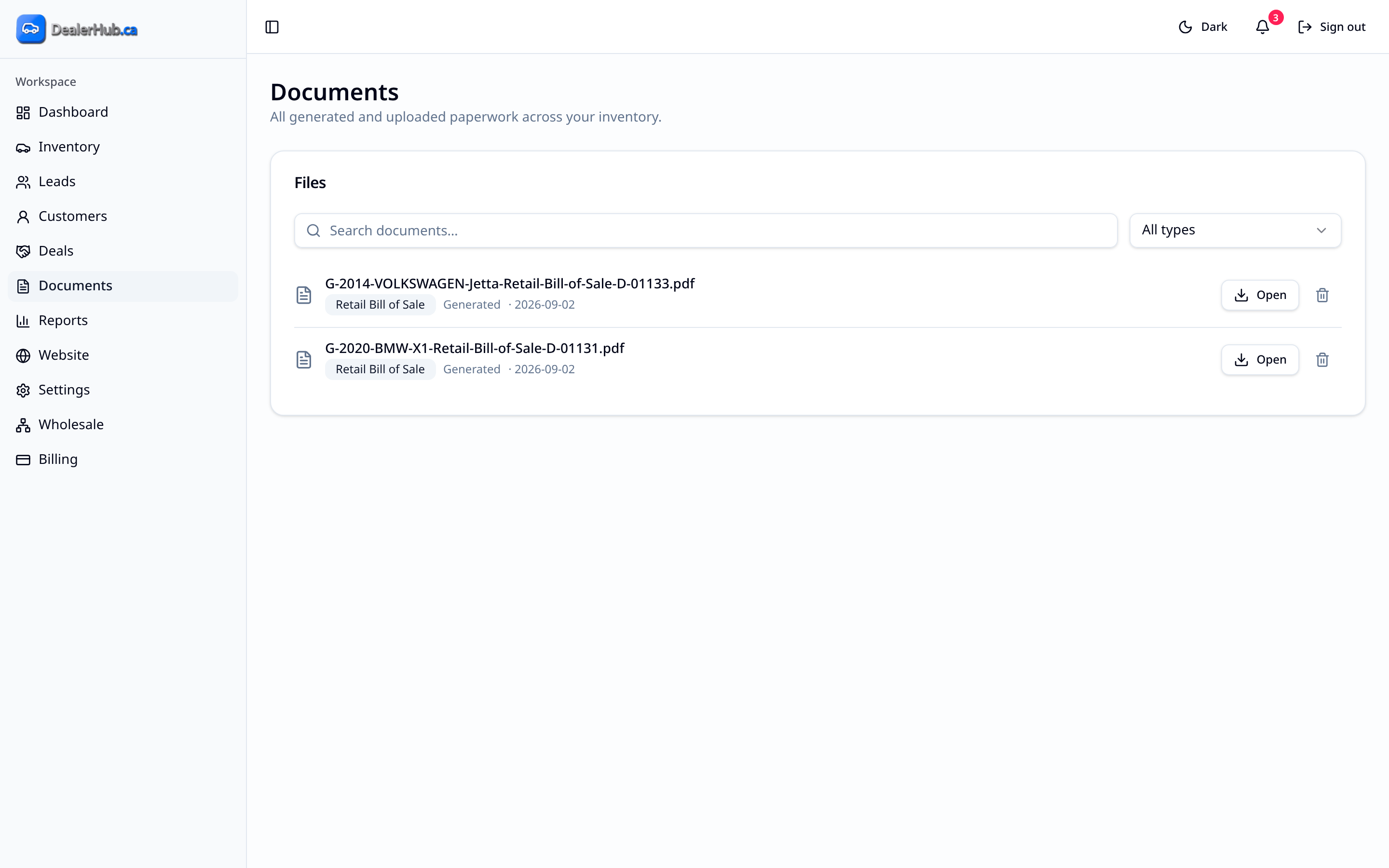
The deal is where the vehicle, the customer and the money come together. In DealerHub, you start the deal from the vehicle or the customer, so year, make, model, VIN, kilometres and the customer's details are already filled in. You pick the right worksheet, see clear totals, complete the credit application for financed deals, record deposits and generate the paperwork from the same deal, instead of filling out forms by hand.
Dealers who handwrite or retype Bills of Sale and credit applications today, dealers who've struggled with outdated forms in other systems, dealers who handle both retail customers and dealer-to-dealer sales, and anyone who wants deposits and refunds recorded against the right deal.
Use deal flows designed for consumer retail sales and for dealer-to-dealer wholesale transactions, so each gets the right worksheet and documents.
Work from the right worksheet for a cash or a financed purchase, with clear totals.
Dealertrack-compatible credit application forms are built into DealerHub, so financed deals start from a proper credit application instead of a paper form. DealerHub is designed for a direct Dealertrack integration, which is on our roadmap.
For Ontario dealers, DealerHub generates an OMVIC-compliant Bill of Sale with itemized totals and disclosures, filled in from the deal. Wholesale deals get a wholesale Bill of Sale for dealer-to-dealer sales.
Record deposits and holding deposits, the payment method, how each deposit is applied to the deal, and refunds if a deal doesn't go ahead.
Documents use your dealership document logo. If you haven't added one, they fall back to your website identity or dealership name.
Bring existing documents into DealerHub with the import function, so past paperwork lives alongside new deals.
DealerHub is QuickBooks-ready.
As an active deal progresses or closes, the connected vehicle's status stays aligned, moving to Pending and then Sold.
Yes. For Ontario dealers, DealerHub generates an OMVIC-compliant Bill of Sale with itemized totals and disclosures.
Yes. DealerHub is available to dealers anywhere in Canada.
DealerHub includes Dealertrack-compatible credit application forms. A direct Dealertrack integration is on our roadmap, and the system is designed for it.
DealerHub is QuickBooks-ready.
DealerHub has an import function for documents, and our team will help you migrate from your current platform.
Continue exploring